When Android Kills ADB on Real Devices: A CTO Playbook for Mobile Debugging and CI
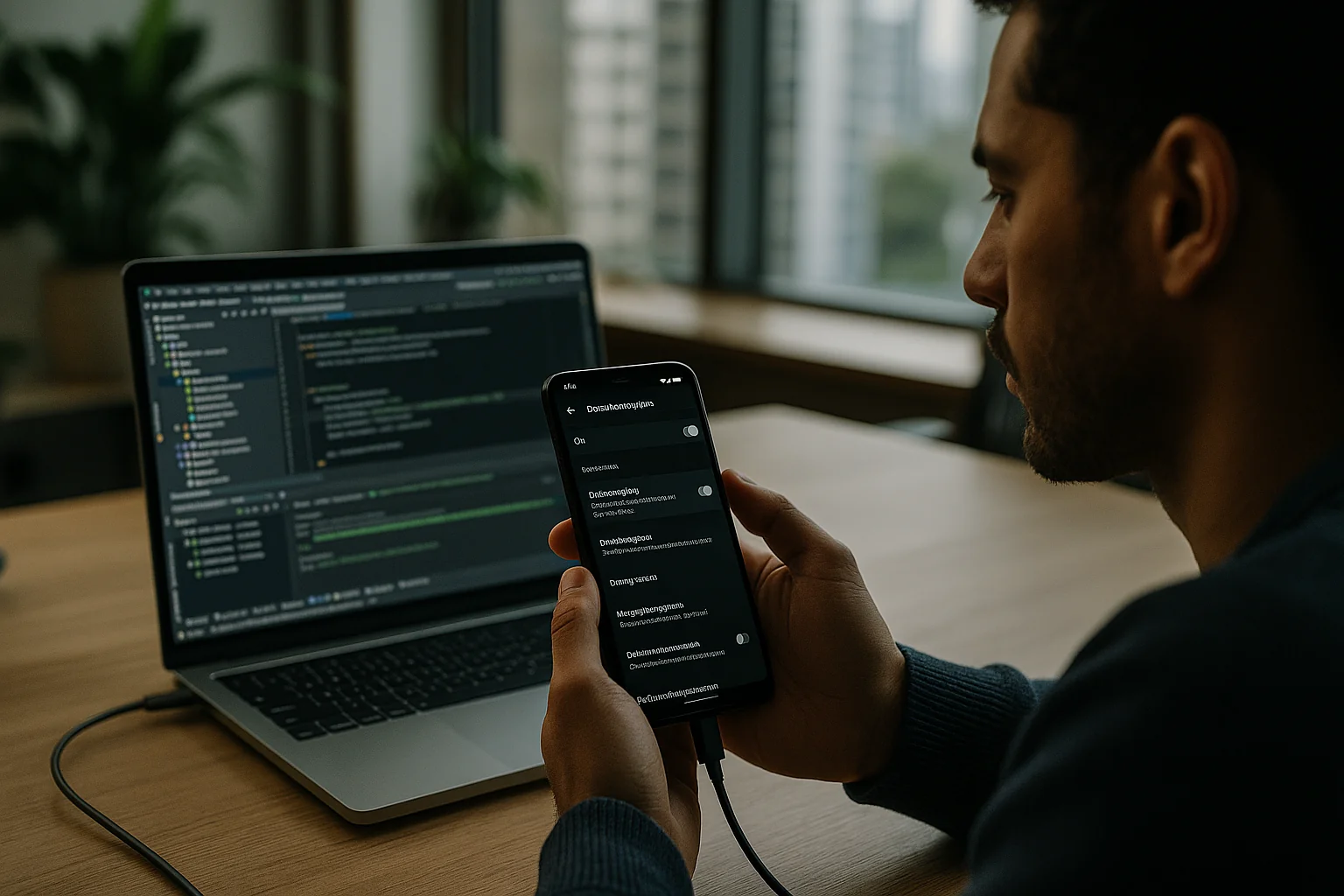
You’ve built years of developer muscle memory around adb install, adb shell, and quick USB pokes on a field device. Now reports say Android may soon restrict on‑device ADB. Whether this lands as a hard kill, an enterprise policy knob, or just more hoops, the direction is clear: persistent, device‑level debugging is being squeezed. If your release, QA, and support workflows depend on ADB, that’s a single point of failure you don’t own.
Why Android would squeeze ADB—and why you should act now
Even if the rumored change ships in a different shape, you shouldn’t wait. ADB has been an attack vector in too many exploit chains, it’s hard to govern at scale, and it doesn’t map to the compliance world you’re walking into (privacy, attestation, vendor due diligence). Consumer OSes are aligning on the same principle: powerful debug surfaces must be ephemeral, consent‑driven, and not present on production devices. Apple did this a decade ago. Android’s catching up.
For CTOs, this isn’t about one flag in Developer Options. It’s about replatforming how your org debugs, tests, and supports Android software—without a magic cable.
What breaks when you lose on‑device ADB
- Field debugging and hotfix triage: No more quick adb logcat on a user’s device, no shell tweaks (pm grant, settings put), no sideloads on demand.
- Physical device CI steps: If your pipeline plugs USB hubs into runners to run UI tests or grant permissions via ADB, that’s fragile and likely toast.
- QA scripts and test harnesses: Test flows that assume ADB to preseed state, toggle network, mock GPS, or reset storage won’t survive intact.
- Support tooling: “Just send me a bugreport” becomes a gated, user‑hostile flow if it requires developer switches or privileged permissions.
A decision framework: rebuild around five surfaces you control
Stop thinking in terms of cables. Think in terms of surfaces you control and can audit.
1) Distribution: move all ad‑hoc installs to first‑class channels
- Play internal sharing for instant builds: Replace adb install with Play Internal App Sharing. It accepts signed bundles or APKs and yields a link; eligible testers get one‑tap installs—no USB, no ADB.
- Structured testing tracks: Keep your “debuggability” mental model, but encode it in release tracks: internal, closed, open, production. Use internal testing for day‑to‑day QA and “dogfood” cohorts. Promote builds through the same gates your CI knows.
- Symbols, mapping, and build provenance: Upload mapping files for deobfuscation (Crashlytics deobfuscation), and sign everything via Play App Signing. Your postmortems get readable stack traces without ever touching a user’s device.
2) Observability: ship a zero‑ADB diagnostics stack
- Logs you can trust: Route app logs (structured JSON) into persistent, in‑app buffers with an LRU cap and explicit user opt‑in to upload. Log at INFO in production, DEBUG in internal tracks. Never rely on logcat access.
- Network events: Add an OkHttp EventListener to capture request timing, TLS handshake metrics, and retry decisions. For internal tracks, consider Chucker to locally inspect HTTP traffic under a gated developer menu.
- Tracing, not printfs: Integrate Android tracing via Perfetto. Perfetto is the platform tracing stack used by Google; it gives you durable, queryable traces instead of log soup. Start with the Perfetto docs (perfetto.dev) and the AndroidX tracing libraries. Ship a sampling strategy in production and a manual “record 30 seconds” trigger for internal builds.
- Crashes and ANRs: Use Crashlytics or Sentry for symbols and breadcrumbs. Make sure you’re uploading mapping files on every CI build and wiring ANR reports (many teams still don’t). You can’t adb pull tombstones anymore—assume you never could.
3) Testing: emulator‑first, farm‑backed, no physical USB in CI
- Gradle Managed Devices (GMD): Standardize on Gradle Managed Devices for instrumented tests. GMD provisions emulators declaratively in CI. It’s reproducible and ADB is an implementation detail you don’t depend on.
- Cloud device labs for smoke on real hardware: Shift physical coverage to farms like Firebase Test Lab, AWS Device Farm, or BrowserStack App Automate. Budget for 2–5 concurrent devices per active squad. Expect $500–$2,000/month per concurrency depending on vendor and SLAs—still cheaper than maintaining flaky USB farms that block releases.
- Macrobenchmark + Baseline Profiles: Performance profiling and startup wins don’t require ADB. Use Macrobenchmark and Baseline Profiles to ship measurable improvements. Wire them into CI so regressions fail PRs.
- Kill ADB‑dependent test steps: Any test that shells into settings, touches system packages, or toggles OS‑level knobs needs a rewrite. State seeding must be in‑app: test‑only code paths, launch parameters, and fake data providers.
4) Support: build a developer console inside the app
- Gated internal menu: Add a deep‑linkable developer console behind staff SSO on internal tracks. Provide: device info, feature flags, last 2000 structured logs, most recent traces, network timeline, and one‑tap “attach logs to ticket.”
- Remote toggles: Feature flags and server‑side config let you reproduce issues without ADB: flip an experiment, drop sampling thresholds, enable verbose tracing for one user, then revert.
- Privacy and consent: Make log upload opt‑in with per‑upload review. Mask PII aggressively client‑side. Redact tokens at the source. If you can’t ship this to production users, you’ve designed the wrong tool.
5) Fleet control: if you own the device, use policy, not cables
- Android Enterprise for corporate fleets: If you control the device (Device Owner mode), set policies through your EMM rather than relying on ADB. Treat any remaining debug capability as a scoped, audited exception with expiry. Start with the Android Management API docs and your EMM’s policy map.
- BYOD and consumer devices: Assume zero debug privileges. Your only levers are distribution, observability, and flags.
A concrete build: the zero‑ADB Android delivery pipeline
This is the pipeline we’ve rolled out for clients who can’t afford surprises. It works today—even if ADB never changes, you’ll ship faster with fewer mystery failures.
Local developer loop
- Emulator baseline: Keep local flows emulator‑first. Snapshots and pre‑baked images give you 5–10s startup times.
- Physical devices only for reproduction: Devs use physical devices for UX or OEM‑specific issues, but your loop survives if USB dies. No personal devices in CI.
- Flavor discipline: appDebug (internal, developer console on), appStaging (production flags, debug console off but enhanced observability), appRelease (production). Flavors map to testing tracks 1:1.
Continuous Integration
- Build once, test many: Generate the App Bundle (AAB) in CI. Run unit tests, instrumentation tests on GMD, macrobenchmarks, and static checks. Export test results in JUnit XML; fail hard on flakiness beyond your SLO.
- Promote to Play tracks: Pipe the AAB into Play internal testing automatically after green builds. Kick device‑farm smoke tests off that artifact, not a side‑loaded debug APK.
- Symbols and tracing artifacts: Upload mapping files and attach trace archives to build metadata. Every crash or trace must be attributable to a build SHA that you can promote or roll back.
QA and release
- Internal dogfood within hours: Internal testers get the build via Play within minutes. They can toggle flags, record a Perfetto trace, and attach logs without ADB.
- Farm‑based smoke: Run a small, high‑value test suite (auth flow, purchase, offline mode, background sync) across 8–15 representative devices in a farm. Rotate models quarterly based on actual user telemetry.
- Staged rollout with SLOs: Treat rollout like prod changes: set crash‑free thresholds, ANR caps, and performance budgets. If thresholds break, roll back automatically.
Cost and time: what to expect
- One‑time engineering: 3–6 engineer‑weeks to implement flavors, Play automation, diagnostics UI, and tracing hooks for a mature app. Add 2–3 weeks if you’re building Macrobenchmark and Baseline Profile infra from scratch.
- Recurring infra: Device farm concurrency at $500–$2,000/month per slot; Play and Firebase costs are trivial compared to developer time.
- Savings: Eliminating flaky USB‑based CI can save you 2–4 hours/week per Android engineer. Across a 6‑person pod, that’s ~600–1,200 hours/year you’re not burning on “it works on my cable.”
Risk register: the real trade‑offs
- Emulator fidelity vs. real devices: Emulators won’t surface every OEM quirk, background execution policy, or camera pipeline issue. Mitigation: keep a rotating farm matrix driven by user telemetry and bug history. Don’t chase 50 devices; chase the 10 that matter this quarter.
- In‑app diagnostics can become an attack surface: If you build a developer console, lock it behind staff SSO and server‑granted, short‑lived capabilities. Never gate by “secret taps” alone. Log every use.
- Farm flakiness and queue times: All device clouds flake sometimes. Keep emulator tests as the majority and keep farm tests short and idempotent. Parallelize across vendors if a release is hot.
- Policy drift in enterprise fleets: If you need limited debugging capabilities on corporate devices, govern via policy with explicit expiry and approval. Audit monthly. Treat any “temporary ADB” like prod database access.
What to start this week
- Turn off ADB in your mental model: For a week, pretend you can’t plug a cable into a physical device. What breaks? Make that list.
- Enable Play Internal App Sharing and Internal Testing: Ship your next debug build through it. Time to install on a clean device should be under 2 minutes for an enrolled tester.
- Add structured logging and a basic diagnostics screen: Device info, app build SHA, feature flags, last 2000 logs, one‑tap upload. That alone will save your next on‑call.
- Wire Gradle Managed Devices in CI: Replace any USB‑based test runs with GMD emulators. Green builds should not rely on physical hardware.
- Book a farm pilot: Run your top 20 smoke tests on two vendors for one sprint. Measure flake rates and queue times before you commit.
What to plan this quarter
- Macrobenchmark and Baseline Profiles in CI: Lock performance targets into the pipeline so regressions are caught days, not weeks, before you hear about them from users.
- Perfetto tracing for investigations: Train one person per squad on trace capture and analysis. Write two playbooks: “slow startup” and “janky scroll.”
- Release automation: Promotion between tracks should be a button with guardrails (crash‑free SLOs, ANR caps). No manual APK side‑loads anywhere.
- Fleet policy for corporate devices: If you ship to managed devices, align with IT now on what debug exceptions will be allowed and how they’re audited.
Why this matters even if ADB survives
Maybe Android doesn’t nuke ADB this cycle. It doesn’t matter. The teams that ditch ADB dependencies first will spend more time shipping and less time chasing heisenbugs that only appear on one engineer’s desk phone. They’ll have better postmortems, faster rollbacks, and fewer Friday‑night heroics. If ADB does get locked down hard, you’ll barely notice.
The deeper point: developer convenience that bypasses your distribution, observability, and policy layers is unsustainable. Your debugging story should be production‑grade, on purpose, and boring.
How nearshore pods make this transition smoother
If you’re stretched thin, this is a perfect mandate for a focused nearshore pod. A 3–4 person Android enablement squad can build the zero‑ADB pipeline in 6–8 weeks while your core team ships features. Brazil gives you 6–8 hours of workday overlap with US time zones and 20–30% lower TCO than Bay Area staffing, without sacrificing seniority. More important: they’ve done this migration across multiple codebases and won’t rediscover the same test flake three times.
Key Takeaways
- Treat on‑device ADB as deprecated. Build distribution, observability, testing, and fleet policies that don’t require a cable.
- Use Play Internal App Sharing and testing tracks for every “debug” install. Upload symbols and mapping files on every build.
- Adopt Gradle Managed Devices for emulator tests and offload limited smoke to device farms; budget $500–$2,000/month per concurrency.
- Ship a gated in‑app diagnostics console: structured logs, traces, network timeline, and one‑tap upload—locked behind staff SSO.
- If you own the hardware, govern debug exceptions via Android Enterprise policy with expiry and audit.
- Even if ADB survives unchanged, a zero‑ADB pipeline cuts flakiness, improves postmortems, and speeds releases.