Image RAG That Actually Works: A CTO Playbook for Indexing at Scale
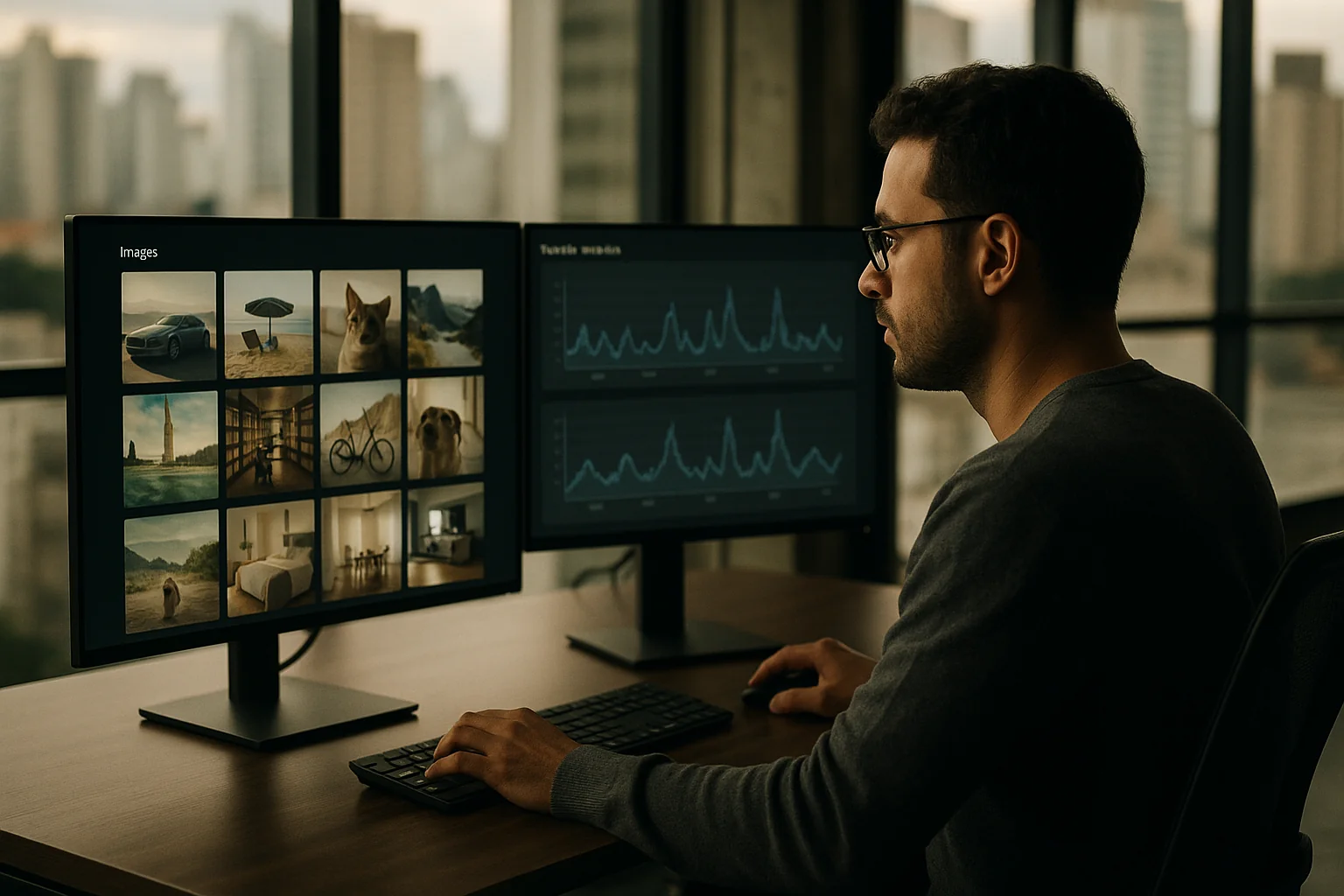
Your “visual search” shipped. Users type red ceramic mugs and your system returns a toaster, a sneaker, and a dog. Confidence plummets. Execs want answers. The truth: it’s not your model. It’s your indexing decisions — and your lack of evaluation hygiene.
A recent wave of posts showed how teams index images for RAG and visual search. Useful — but most miss the operational hard edges: embedding choice and versioning, multi‑vector fusion, approximate nearest neighbor (ANN) trade‑offs, re‑ranking budgets, and a simple evaluation harness you can run nightly. If you lead an engineering org, this is the playbook to ship image RAG that actually retrieves what users want, at 100+ QPS, with predictable cost.
Start with user intent, not models
Before you pick CLIP vs. SigLIP or FAISS vs. Milvus, define the intents you must serve. Different intents imply different embeddings, indices, and filters.
- Pure visual similarity: “Show me products that look like this photo.” Global image embedding works; color/texture features help.
- Text-to-image search: “black leather Chelsea boots.” You need strong cross‑modal alignment and multilingual coverage.
- Object‑level recall: “find images with a small logo on a hat.” You need detection/segmentation to amplify weak signals.
- Text in images: “packaging that says gluten‑free.” OCR matters more than visual similarity.
- Compliance/safety: content filters and metadata joins must be first‑class, not bolted on.
Pick the minimal set of intents you can win now and make them explicit in your KPI sheet. Everything else falls out of that.
A reference architecture that won’t surprise you in prod
1) Ingest and dedupe
- Store originals in object storage (S3/GCS) with a stable asset_id.
- Compute a perceptual hash (pHash or aivhash) to dedupe near‑identicals and throttle indexing churn.
- Normalize to a standard size for embedding (e.g., 224/256/384 on the longest edge) and store a thumbnail.
2) Generate features (not just one embedding)
- Global image embedding: Start with CLIP ViT‑B/32 (512d) or SigLIP (typically 768d). SigLIP variants tend to do better on multilingual queries and fine‑grained detail at the cost of slightly larger vectors.
- Caption embedding: Run a fast image captioner on ingest (e.g., BLIP‑base) to produce 1–2 short captions. Feed those captions into your standard text embedding model (e.g., E5‑large, 1024d) to create a second vector per image. This buys you recall for long‑tail text queries without depending on brittle metadata.
- Object labels: Optional but high leverage for object‑level recall. Use a detector (YOLOv8/DETR). Keep top 5–10 labels as metadata, not vectors.
- OCR: If text on the image matters, run PaddleOCR or Tesseract. Index the extracted text in your regular search engine and store it as a filterable field.
Yes, this is more work than “just CLIP.” It also transforms your search from a demo into a product.
3) Store with versioning from day one
- In a metadata table (Postgres/Spanner), keep asset_id, tenant_id, safety flags, updated_at, and embedding_version fields for each vector type (e.g., image_v1, caption_v2).
- Persist vectors in columnar chunks by shard (e.g., Parquet files of 100k rows) for cheap reindexing and batch moves.
- Every vector row carries model_name, dim, dtype, checksum. No exceptions.
4) Pick your ANN index by scale, not hype
Ballparks help you avoid the first rebuild.
- HNSW on CPU (FAISS/Milvus): Great up to ~10M vectors per index with sub‑50 ms latency at decent recall. Memory budget is roughly 2–3× raw vector memory. Example: 768‑d FP16 = 1.5 KB/vector. 10M vectors ≈ 15 GB vector data + 15–30 GB graph overhead ⇒ 30–45 GB RAM.
- IVF‑PQ on CPU: Compress down to ~64–128 bytes/vector with product quantization. Recall drops a bit, but memory spend falls by an order of magnitude. Good for 10–100M scale. Rebuild or heavy maintenance needed as the distribution drifts.
- GPU ANN (FAISS‑GPU): Use when you need aggressive p95 budgets at high QPS, or heavy re‑ranking on the same GPU. Don’t burn VRAM to store huge HNSW graphs; reserve it for compute and use IVF‑PQ codes to keep residency small.
Rule of thumb: if you’re under 5M assets per tenant, HNSW is the simplest thing that works. Over 10M, budget for IVF‑PQ with a periodic rebuild. Over 50M, plan hard sharding by tenant, region, and embedding version — or a managed service if your team can’t own the care‑and‑feeding.
5) Query pipeline that balances recall and latency
- Embed the query:
- Text query: use the matching text embedding (CLIP text head or E5). Normalize vectors for cosine similarity.
- Image query: compute the global image embedding. Optional: run quick OCR and add terms to a must‑match filter if your domain needs it.
- Search multiple indices: Hit the global image index and the caption index. Get top‑k (e.g., k=400) from each.
- Fuse and filter: Weighted sum of scores (learn the weights offline). Apply tenant filters, safety filters, stock/availability.
- Re‑rank: Take top 200 and run a stronger cross‑modal scorer to re‑rank (e.g., a CLIP cross‑encoder or a small vision‑language re‑ranker). Budget 40–120 ms on a single data‑center GPU for 200 pairs, depending on model. If you can’t afford a GPU, use a lighter bilinear re‑ranker for a 15–30 ms bump and accept a small quality hit.
Target p95 end‑to‑end under 200 ms at 100 QPS for a single region deployment. You can get there with two CPU index nodes (64–96 vCPU each) and one modest GPU for re‑ranking.
What this costs (with real numbers)
- Vector size: 768‑d FP16 = ~1.5 KB/vector; 512‑d FP16 = ~1.0 KB/vector. 1M images = 1–1.5 GB raw vectors per index.
- HNSW memory: 2–3× vector memory in practice. Plan 3–5 GB RAM per 1M images for 768‑d FP16, including overhead. Comfortable on commodity 128–256 GB RAM servers for 10M scale.
- IVF‑PQ memory: 64–128 bytes/vector. 10M images ≈ 0.6–1.2 GB of codes, plus centroids and overhead. You trade some recall, gain huge savings.
- Embedding throughput: On a single mid‑range data‑center GPU (e.g., L4/T4 class), a CLIP‑B/32 image tower at 224 px runs ~30–60 img/s. 1M images takes ~5–9 GPU‑hours. Captioning with a small BLIP‑base at 3–5 img/s will take 55–90 GPU‑hours; do it once, and incrementally thereafter.
- Re‑ranking cost: A small cross‑modal model scoring 200 candidates/query can saturate a single L4 at ~100–200 QPS depending on batch size and precision. If latency budgets are tight, shard re‑ranking GPUs horizontally.
Managed vector databases make pricing fuzzy (capacity units, pods, RPS tiers). If you self‑host FAISS or Milvus, your main costs are RAM (for HNSW) or CPU (for IVF‑PQ builds) and a small GPU line item for re‑rank. You can run a credible 10M‑asset deployment for low four figures/month in infra if you already have a Kubernetes footprint.
Evaluation: stop arguing, measure recall@k
You don’t need a research lab to measure if retrieval is good. You need 200–1,000 labeled query–asset pairs and two metrics.
- Recall@10: Fraction of queries where a known‑good match appears in top 10. For e‑commerce and UGC moderation, you want ≥0.6 before you trumpet the feature.
- NDCG@10: A graded score that rewards ordering. Set simple labels: perfect/acceptable/bad. You need ≥0.7 to stop annoying users with almost‑right results at the top.
Build a nightly job that:
- Samples 50 fresh queries from prod logs (after PII scrubbing).
- Runs both the current and canary indices.
- Computes recall@10 and NDCG@10.
- Diffs which queries regressed and posts them to Slack with thumbnails.
That Slack thread will save you weeks of circular debate. It will also keep you honest when you change embeddings or re‑rankers.
Versioning and migration without downtime
- Version every vector: image_v1, caption_v1. When you swap models, create image_v2, build new indices in parallel, and double‑write during backfill.
- Backfill in shards: Move 5–10% of traffic to v2 as each shard is ready. Compare metrics side‑by‑side. Roll back if nightly recall drops.
- Keep two generations hot: Maintain v1 and v2 for 2–4 weeks. Then purge v1 to reclaim RAM/disk.
Not versioning is the number one cause of “our results got weird last Tuesday.”
Multi‑tenancy and compliance, the unglamorous blockers
- Shard by tenant when the union of assets can leak sensitive matches across businesses (common in B2B SaaS). Hard filters are cheaper than regrets.
- Encrypt at rest for vectors. They are not reversible images, but they are sensitive signals about your corpus.
- Takedowns need a first‑class path: keep a mapping from index_id to asset_id and propagate deletes within minutes, not days.
Common failure modes we keep seeing
- One vector to rule them all: Teams rely on a single global embedding and wonder why long‑tail text queries miss. Add caption‑based vectors and your recall jumps without heavy model work.
- No normalization: Forgetting to L2‑normalize vectors leads to cosine that’s not cosine. Normalize on write and on query.
- Ignoring color/texture: For fashion and furniture, add a cheap color histogram filter or learn weights that value chroma similarity. It matters.
- Index drift: IVF‑PQ needs periodic rebuild as new assets shift the distribution. Set a rebuild cadence (e.g., monthly) and tie it to recall metrics.
- Mixing tenants: We’ve seen teams “optimize” by co‑indexing tenants for throughput, then spend a quarter unwinding data leaks. Don’t.
- Unverifiable improvements: Shipping model changes without the 200‑query harness guarantees surprises. Measure or don’t ship.
Buy vs. build: a decision framework
There’s no shame in using a managed vector DB. The question is where your risk sits.
- Choose managed if:
- You’re under 10M assets, multi‑region is mandatory, and you can’t staff IRL ANN expertise.
- Your procurement posture prefers paying a premium for operational SLAs.
- You can live with opaque pricing and vendor lock‑in for 12–24 months.
- Choose self‑host if:
- You already run Kubernetes and can tolerate running FAISS/Milvus.
- Your dataset grows beyond 10–50M and RAM efficiency matters.
- You need tight coupling with your re‑ranker GPUs and custom filters at query time.
A hybrid is common: self‑host HNSW for the hot tenant indexes, offload cold or experimental indices to a managed service.
How fast you can get here (a realistic 4‑week plan)
If you have labeled data and a devops baseline, you can stand up a credible system in a month.
- Week 1: Ingest + pHash dedupe + global embedding v1 (CLIP/SigLIP). FAISS HNSW prototype. Hard filters working.
- Week 2: Caption generation + caption embedding. Dual index search + score fusion. Basic recall@10 harness with 200 pairs.
- Week 3: Re‑ranker GPU service, p95 under 250 ms. Canary path for v2 embeddings.
- Week 4: Hardening: takedown path, tenant sharding, nightly eval Slack reports, metrics dashboards. Start backfilling historical assets.
This is the kind of pod we run with US teams from LATAM: 6–8 hours overlap, clear deliverables, and no research theater. The stack is boring on purpose.
Advanced knobs when you need them
- Distillation and quantization: If memory is tight, train a student embedding (e.g., 384‑d) from your teacher model on your domain, then quantize to FP16/INT8. You often keep 90–95% of recall with half the bytes.
- Query‑time expansion: Add synonyms or short descriptors (e.g., for fashion: color, material). Improve recall without hitting the index harder.
- Hybrid BM25 + vector fusion: For OCR‑heavy domains, BM25 on extracted text plus vector scores beats either alone.
- Temporal re‑rank: If freshness matters, age‑decay scores after fusion. Don’t let one viral image dominate for weeks.
What to put on the dashboard
Your weekly review should show:
- Recall@10 and NDCG@10 by intent (visual, text, OCR) and by tenant.
- p95 search latency end‑to‑end; p95 ANN time; p95 re‑rank time.
- Index cardinality, memory by index, and last rebuild date.
- Top 10 queries that regressed vs. last week, with thumbnails.
- Takedown SLA: time from request to purge in index.
If you don’t track it, you’ll rediscover the same problems every quarter.
The bottom line
Image RAG that works is not a research breakthrough. It’s a set of sober engineering choices and a tiny bit of discipline. Use two vectors per asset, pick the right ANN for your scale, reserve budget for re‑ranking, and measure recall every night. Do that, and your users will stop seeing dogs when they search for mugs.
Key Takeaways
- Model choice is secondary; indexing and evaluation discipline drive real‑world quality.
- Use multi‑vector indexing (global image + caption) to lift recall without heroics.
- Choose HNSW under ~10M assets; plan IVF‑PQ and rebuilds beyond that.
- Re‑rank the top 100–200 with a stronger cross‑modal model; budget 40–120 ms on a small GPU.
- Version every embedding; double‑write and canary before you flip traffic.
- Ship a 200–1,000 pair recall@10/NDCG harness and run it nightly; let Slack tell you when you regress.
- Shard by tenant and make takedowns first‑class to avoid compliance nightmares.