OCR That Ships in 2026: A CTO Playbook for LATAM Documents
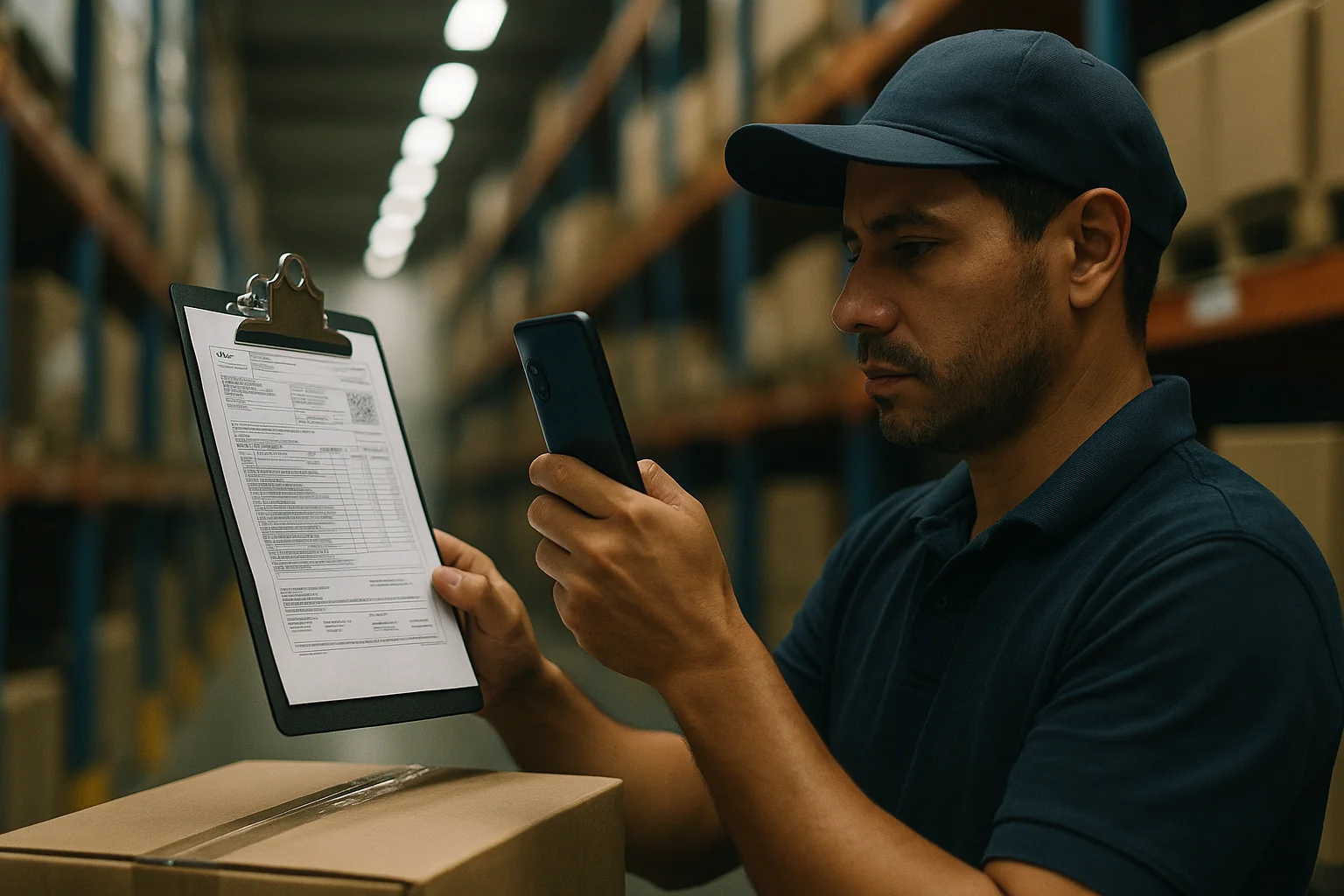
If your product touches invoices, boletos, IDs, or Pix QR codes in Brazil, OCR is not a “nice to have” in 2026. It’s a revenue path—and a liability if you ship it wrong. With Mistral OCR 4.1 making the rounds, Google’s Gemini 3.7 Flash emphasizing speed, and OpenAI’s new “Ultrafast” mode touting order‑of‑magnitude latency cuts, the temptation is to bolt a vision‑model API onto your app and call it done. Don’t. You’ll get demo‑grade accuracy and production‑grade chargebacks.
This playbook is what we build for fintechs and marketplaces operating across Brazil and LATAM: a decision framework, a reference architecture, and the trade‑offs you need to own—cost, latency, privacy, and tail‑risk. We’ll anchor to concrete Latin American documents (NF‑e/NFC‑e invoices, boletos, CNH/RG IDs, Pix QRs) and the realities of low‑end Android hardware and spotty connectivity.
Why this, why now
Three things changed in the last 12 months:
- Vision models stabilized for print. Modern VLMs and OCR‑specialized models hit 95–99% character‑level accuracy on clean Latin scripts out‑of‑distribution. Layout‑aware extraction (tables, labels) is good enough to beat regex‑only hacks for line items.
- Latency collapsed. “Flash” and “Ultrafast” modes bring first‑byte under 300–600 ms on small images and under 1.5 s for A4 scans. On mid‑range phones, quantized on‑device OCR pipelines now return key fields in 120–300 ms per crop.
- Costs are predictable. Cloud OCR is typically $0.01–$0.10 per page, VLM APIs often $0.05–$0.30 per image depending on resolution and tokens. For 100k docs/month, you’re choosing between roughly $1k–$30k in variable cost versus capex/engineering for on‑device or self‑hosted.
Great. But “good” OCR accuracy on average is not enough. Brazil’s document ecosystem is adversarial to sloppiness. A single misread digit in a 44‑digit NF‑e access key or a CPF/CNPJ invalid check digit turns into failed reconciliations, KYC rejections, or, in fintech, regulatory exposure.
Define “done” first: accuracy at the field level
Don’t accept vendor “CER/WER” as your north star. In production you care about field‑level correctness and downstream invariants.
- Hard‑must‑be‑perfect fields. CPF (11 digits, 2 check digits), CNPJ (14 digits, 2 check digits), NF‑e/NFC‑e access key (44 digits, check digit), Pix BR Code payload (CRC). Target 99.95%+ field accuracy here, because you can deterministically validate.
- Soft fields with business impact. Invoice total, issue date, vendor CNPJ/IE, line‑item descriptions/quantities. Target 99%+ on totals/dates after validation and 95%+ for line‑items with human review fallback.
- Document classification. Distinguish boleto vs fatura vs DANFE vs CNH vs RG vs recibo. Target 99.5%+ classification because the rest of your pipeline depends on correct templates.
Write these targets down before you pick a model. “98% OCR accuracy” can still fail 1 in 5 invoices at the document level if the residual errors hit your hard fields.
A CTO decision framework: where should OCR run?
Option A: On‑device first, cloud as a fallback
Choose this if: you process PII/financial data (LGPD/CPRA risk), need sub‑second UX, and your app can enforce a guided capture flow. This is our default for consumer capture (driver’s licenses, receipts, Pix QR).
- Pros: Lowest latency; privacy by design (PII never leaves device until validated); offline capture; cost ~0 per image at scale; resilience to API outages.
- Cons: Engineering lift (model selection, quantization, dewarping, post‑processing); heterogeneous Android hardware (3–6 GB RAM, unstable NPUs); large app size budgets (keep models under 30–60 MB per task).
Option B: Edge/self‑hosted OCR or VLM
Choose this if: you need batch throughput (back‑office ingestion), can keep images in a private VPC, and want to cap vendor lock‑in. Run specialized OCR plus a layout model on GPUs in your cloud region or on‑prem.
- Pros: Predictable unit economics (instances amortized); no vendor PII leakage; can fine‑tune or distill; fast in‑region latency (100–300 ms RTT).
- Cons: Infra complexity; capacity planning; you own model ops; still not free (GPU/CPU cost, engineers on call).
Option C: Cloud VLM/OCR APIs only
Choose this if: you’re proving value quickly, volume is low/moderate (≤20k docs/month), and time‑to‑market dominates. Use “Flash/Ultrafast” tiers for interactive flows.
- Pros: Fastest to ship; strong average accuracy; minimal infra; simple pricing.
- Cons: PII transfer risk; vendor latency variance; cost spikes at scale; brittle on tails (glare, crumples, stamps, non‑standard fonts).
Our rule of thumb: Consumer capture → on‑device first. Back‑office/bulk → edge or self‑host. Prototype → API now, but design for dual‑source so you can swap.
A reference architecture that actually ships
1) Capture that prevents garbage in
- Live guidance: On‑device text detection to guide framing, glare checks, and tilt, with real‑time feedback. Accept only when focus/contrast thresholds pass.
- Dewarp and denoise on device: Perspective correction, binarization, and shadow removal reduce downstream model confusion more than fancy prompts ever will.
- Region‑of‑interest (ROI) crops: Rather than send a full A4, crop likely fields (access key area, totals box, document ID area). ROIs cut latency and tokens by 5–10x.
2) Primary extraction: pick the right tool per field
- Deterministic when possible: For QR/Pix codes, use a barcode/QR library first. For access keys, a line‑aware OCR with digit bias beats a general VLM.
- Specialized OCR for text blocks: A small, quantized Latin OCR model on device gets you 95–98% CER on clean print. For messy stamps/overlays, escalate to a cloud/edge VLM with layout understanding.
- Layout model for tables: If you need line items, use a table structure model (e.g., a vision transformer trained for documents) before plain text OCR. You want cell boundaries, not just a wall of text.
3) Post‑processing that enforces business truth
- Checksums and format validators: CPF, CNPJ, NF‑e access key, and Pix CRC are deterministic. Reject or recapture early if invalid.
- Cross‑field invariants: Validate that Total equals sum of items plus taxes/fees; date ≤ now; CNPJ matches the vendor name via registry lookup; boleto barcode matches printed line. These invariants clean up more OCR mistakes than another model pass.
- Normalization: Emit a strict schema (types, units, ISO dates, currency) and reject ambiguous parses. Production hates maybes.
4) Escalation and human‑in‑the‑loop
- Confidence‑aware routing: For each field, compute a confidence score. If score < threshold or invariants fail, escalate: second model, then human review.
- Targeted retries: Ask users for a tighter crop of the totals box or access key, not a full recapture. Saves 70–80% of retry friction.
- Review UI with keyboard shortcuts: If you need humans, make them fast. 10–20 seconds per doc beats 2 minutes when the UI is optimized for fields, not images.
5) Privacy, storage, and deletion
- On‑device redaction: Mask CPF/CNPJ before upload when you only need totals or dates. Minimize what leaves the phone.
- Short‑lived object storage: 24–72 hour default retention for raw images; retain structured fields longer per policy. Encrypt at rest and in transit; key separation for images vs extracted data.
- DSR and audit: Log which processor handled which image, model version, and prompts. Make deletion provable.
Latency budgets that won’t anger users
- Interactive capture: 300–800 ms to show “Looks good” after shutter. ROI crops enable sub‑300 ms on mid‑range Android for key fields.
- Full A4 invoice: 1.0–2.5 s end‑to‑end with edge/cloud; hide with optimistic UI (show parsed vendor/date first, line items later).
- Batch back‑office: Throughput beats per‑doc latency. Aim for ≥10 docs/sec/GPU for standard OCR and ≥2–5 docs/sec/GPU for layout+table extraction at 300 DPI.
Don’t stream images token‑by‑token; streaming shines for text generation, not for OCR. Instead, stream structured results as soon as each field validates.
Costs you can defend to your CFO
As of 2026, typical ranges we see in production:
- Cloud OCR APIs: $0.01–$0.10/page for general OCR; add $0.02–$0.08 for table extraction if priced separately.
- VLM image understanding APIs: $0.05–$0.30/image depending on resolution and tokenization. Multi‑image (front/back of ID) doubles.
- Self‑hosted OCR/VLM: Amortize GPU/CPU and ops. A single mid‑range GPU box can process on the order of 500k–2M pages/month for standard OCR with careful batching; layout models run 2–5x slower. Effective unit cost often lands at $0.002–$0.02/page at steady state.
- On‑device: Near‑zero variable cost; pay in engineering and app size. Expect 2–3 engineer‑months to ship a robust Android capture+OCR flow if you start from a strong base.
At 100k docs/month, the delta between $0.02 and $0.20 per doc is $2k vs $20k monthly. Price your architecture accordingly—and keep an exit hatch to switch tiers as volume changes.
Evaluate like a skeptic
- Build your own test set. 1,000+ real Brazilian/LATAM documents: crumpled receipts, stamps over totals, cash register fonts, low‑light phone shots, thermal paper artifacts. Synthetic clean scans tell you nothing.
- Measure field‑level accuracy and acceptance. Track per‑field precision/recall and an overall “document accepted without human help” rate. Your north star is acceptance with cost‑per‑accepted‑doc, not CER.
- Instrument tail failures. Log images that fail invariants or confidence thresholds. Your data drift is hidden in these tails. Review weekly and feed back into model selection or capture UX.
- Version everything. Image hash, pre‑processing parameters, model version, prompt (if any), post‑processing code. You need reproducibility for audits and regressions.
Security, privacy, and LGPD without drama
- Minimize data in motion. If you only need the invoice total and date, do not upload the entire image. Redact or crop on device.
- Vendor due diligence. If you must use cloud OCR/VLMs, negotiate data processing addendums, region pinning (Brazil/US), and retention=0 policies. Verify with a wire‑level audit, not just docs.
- Redaction and tokenization. Replace raw CPF/CNPJ in logs and analytics with irreversible tokens. Your SIEM should never see the real numbers.
- Deletion SLAs. Set short retention defaults and make them visible internally. Build a one‑click delete by user/document ID for DSRs.
Brazil/LATAM gotchas you must plan for
- Thermal paper and stamps: NF‑e and receipts often have non‑uniform backgrounds and “PAID” overlays. Pre‑processing helps more than model swapping. Try adaptive thresholding before retries.
- Regional formats: Decimal commas vs points (R$ 1.234,56). Normalize numbers by locale rules before invariants.
- Mixed fonts and dot‑matrix prints: Old cash registers produce characters that fool generic OCR. Train or bias for digits in numeric regions; prefer ROI+digit‑only models for barcodes and access keys.
- IDs with holograms (CNH/RG): Expect glare. Guide users to tilt slightly and capture at an angle; dewarp later.
- Connectivity dead zones: Field agents and drivers go offline. On‑device first saves your NPS.
About those “anti‑scraper fonts”
You’ve seen headlines about the web’s new weapon against AI scrapers: adversarial fonts that cripple naive OCR. Good. Those raise the bar for casual scraping. But in your pipeline, you control capture and pre‑processing. With a proper dewarp/binarize pass and models trained on Latin scripts, these fonts don’t matter for invoices and IDs. The real enemy is bad lighting and motion blur, not clever glyph perturbations.
Build vs. buy: a pragmatic split
- Buy: commodity OCR for clean scans, table structure for line items, and back‑office batch ingestion if you lack GPU ops. Start with reputable APIs and demand real SLAs.
- Build: capture UX, on‑device pre‑processing, ROI logic, validators, invariants, and your review UI. These are your defensible moats and where most cost/latency wins live.
- Hybrid: on‑device fast path for key fields; escalate to cloud/edge VLM for messy cases or line items; human review for the last 1–3%.
A 60‑day rollout plan
- Week 1–2: Define field‑level targets and invariants. Assemble 1,000‑doc gold set. Choose on‑device OCR baseline and one cloud API as backup.
- Week 3–4: Ship guided capture with dewarp/denoise and ROI crops. Implement validators for CPF/CNPJ/NF‑e/Pix CRC and monetary totals.
- Week 5–6: Confidence scoring and escalation routing. Build a minimal review UI. Instrument acceptance and cost per accepted doc.
- Week 7–8: Add table extraction if needed. Tune thresholds for < 2% human review rate on clean docs. Lock down privacy (redaction, retention, vendor DPA).
What good looks like in production
- Sub‑second capture UX for key fields on mid‑range Android (120–300 ms per ROI pass; under 800 ms end‑to‑end for “Looks good”).
- ≥99.95% accuracy on CPF/CNPJ/access key/Pix CRC with zero false accepts (all caught by validators).
- ≥99% invoice acceptance without human review on clean DANFE; ≤5% review on long‑tail noise; <$0.05 per accepted doc at 100k/month volume.
- Dual‑source capability (on‑device + one cloud/edge path) with switchable policies and per‑field routing.
- Privacy by design: on‑device redaction for PII you do not need; 72‑hour raw image TTL; encrypted, typed output only.
Key Takeaways
- Average OCR accuracy is irrelevant—optimize for field‑level acceptance with validators and invariants.
- On‑device first for consumer capture; edge/self‑hosted for bulk; cloud API for prototypes. Keep a dual‑source escape hatch.
- Latency lives in capture and pre‑processing, not model prompts. Dewarp and ROI crops buy you the biggest wins.
- Costs are manageable if you route per field and escalate only when confidence or invariants fail.
- Privacy is a product feature, not a policy doc. Redact on device, minimize uploads, and delete aggressively.