Your Hiring Funnel Is a Supply-Chain Attack: A CTO Playbook After the LinkedIn Backdoor
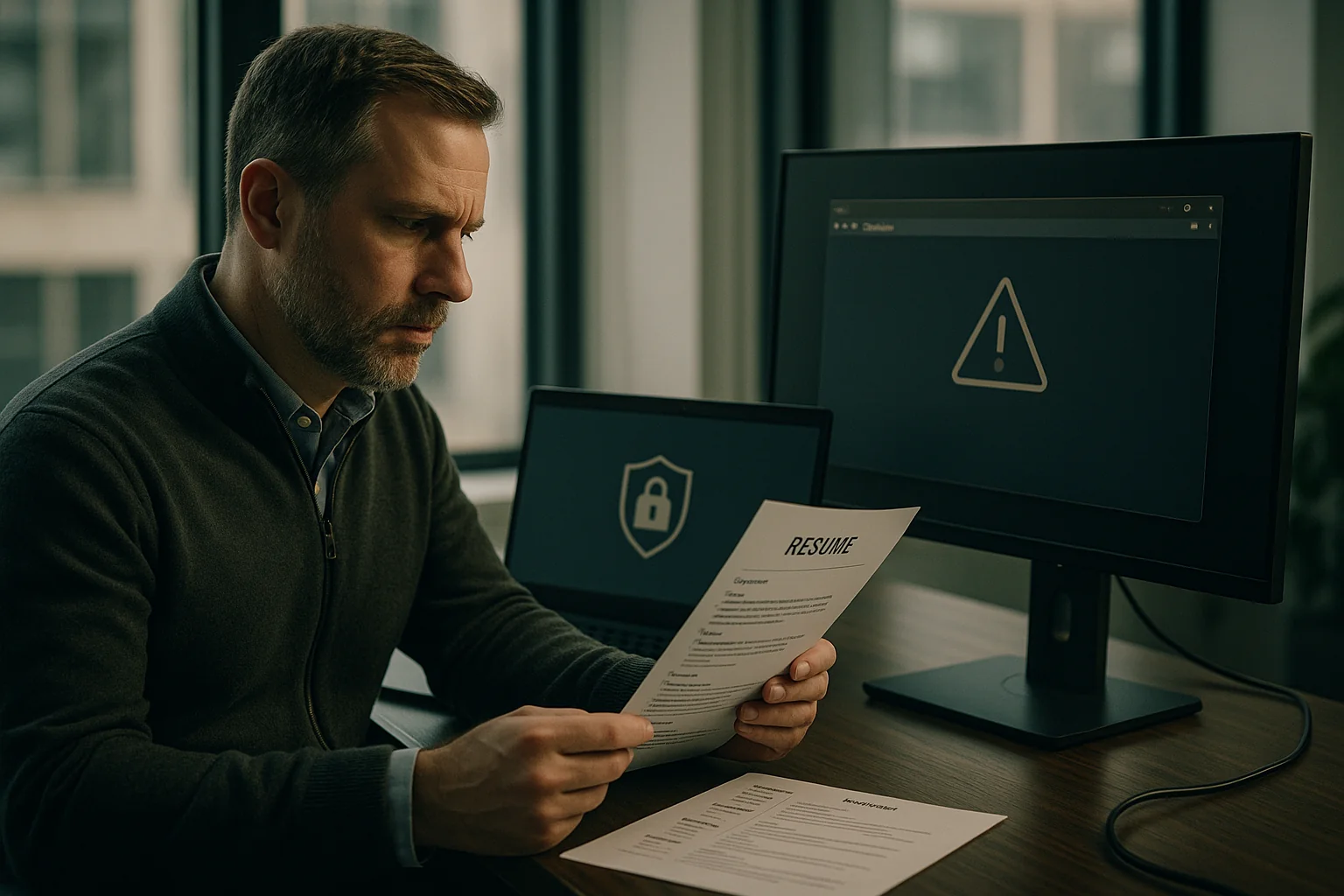
The next breach at your company probably won’t start with a zero-day. It’ll start with an interview. A recent report of a backdoored job offer sent over LinkedIn is a reminder that attackers go where your controls are weakest. Right now, that’s your hiring funnel: resumes, take-home projects, GitHub links, Calendly invites, and WhatsApp messages to recruiters.
If you run engineering at a startup or scale-up, treat the hiring pipeline like what it is: a third-party software supply chain with direct pathways to developer laptops, CI, and production credentials. You don’t need a Fortune 500 security budget to fix this. You need a decision framework, a few design patterns, and the discipline to keep hiring velocity high without opening the front gate to malware.
What changed: hiring content is executable content
We’ve normalized risky behaviors in the name of speed. Consider the standard loop:
- Recruiters open DOCX/PDF resumes from unknown senders on corp devices.
- Engineers clone candidate repos and run build scripts to review solutions.
- Hiring managers click scheduling links and “portfolio” URLs in DMs.
- Take-home assignments ask candidates to npm install, pip install, or cargo build third-party packages.
This is executable content. Even “just a PDF” can pop calc.exe if the viewer is unpatched. A package.json with a malicious prepare or postinstall will run on the reviewer’s machine. A Makefile can exfiltrate SSH keys. A pre-commit hook inside a candidate repo can quietly harvest environment variables. And a slick LinkedIn message can route you to a lookalike login page that steals your IdP session.
When we audit incident reports, two ingredients show up again and again: social engineering and a trusted employee executing untrusted code. The hiring funnel gives attackers both, under a veneer of “this is normal.”
A CTO decision framework: three control planes
Your goal is to convert risky, ad hoc interactions into predictable, inspectable flows without killing candidate experience or recruiter throughput. The controls fit into three planes:
- Intake policy and UX — steer everything through a hardened path. No wild attachments. No surprise links. No device-to-device file sharing.
- Content isolation and inspection — detonate and de-fang documents and links before humans view them. Treat code like untrusted binaries.
- Execution isolation for candidate code — run their code on your sandbox, not your engineers’ laptops.
1) Intake policy and UX: a firewall for talent
Policy without UX is theater. Give recruiters and candidates a smoother path than “email me your resume.” Concretely:
- Route all candidate files through your ATS (or a simple upload portal) on a dedicated subdomain, e.g., apply.example.com. Disable unsolicited file drops in email/DMs. Auto-respond to attachments with a link to the portal.
- Ban DOC/DOCX and ZIP by default. Accept only PDF and plain text. If you hire globally (Brazil, LatAm), where DOCX is common, auto-convert server-side and present a sanitized PDF to staff.
- Advertise the policy on job posts and recruiter signatures: “For your safety and ours, we don’t open attachments sent by email or LinkedIn. Please use our portal.” Polite friction beats quiet compromise.
- Require domain-verified scheduling. Only accept interview links from your company domain (e.g., calendar.example.com) or a vetted vendor with domain verification. Block random shortened links in DMs.
- WhatsApp and SMS guardrails for nearshore recruiting: no files, no links. Only directions back to the portal.
2) Content isolation and inspection: de-fang before humans touch it
Create a cheap, boring pipeline to ingest, scan, and present content safely:
- Attachment gateway: front your ATS upload endpoint with a small service that stores originals in a quarantine bucket and feeds them to a scanning queue. Present staff with sanitized copies only.
- Multi-engine AV + YARA: use at least two signature engines (ClamAV plus a commercial engine, or a service like VirusTotal API within quota limits). Add YARA rules for common document droppers and obfuscated JavaScript in PDFs.
- Document sanitization: run headless LibreOffice in a container (gVisor/Firecracker) to convert DOCX to PDF/A. For PDFs, render to images and rebuild a clean PDF (lossy but safe). Offer “original on request” behind a just-in-time approval gate.
- Link detonation: rewrite unknown links to a remote browser isolation (RBI) service or your own ephemeral Chrome in a sandbox VM. Record network beacons and script activity. Only show a pixel stream to the viewer.
- Text extraction for resume search: OCR or extract text from sanitized docs for recruiter workflows, never from the original file.
Nothing here is exotic. A two-function pipeline on Cloud Run or Lambda can do this at single-digit dollars per thousand files. Browser isolation can be vendor-based (Cloudflare, Island) or self-hosted in a small GPU-less VM pool with headless Chrome. The objective is not perfect detection—it’s denying attacker code a direct path to your employee endpoints.
3) Execution isolation: treat candidate code like a USB drive
When an engineer reviews a take-home or portfolio repo, assume it’s hostile. Controls that keep velocity high:
- Ephemeral dev sandboxes: spin candidate code in a throwaway environment (Codespaces, Gitpod, internal Firecracker VM) with no access to corp network, no SSO tokens, and egress pinned to a private package mirror.
- No local credentials: do not clone candidate repos to local laptops. Use web IDEs or SSH into sandboxes with ephemeral keys bound to the session.
- Package mirrors only: block direct npm/pip/cargo access. Mirror the top 1,000 packages you expect and audit ad hoc fetches. Many malicious postinstall scripts die on a mirror boundary.
- Read-only secrets: if the challenge needs API keys, provide single-scope, single-project credentials with hard TTLs (e.g., 24 hours) via the sandbox, never in plaintext.
- Pre-run static checks: run lightweight scans before boot: grep for suspicious scripts (postinstall, prepare), .git/hooks, curl/wget in Makefiles, and executable payloads in non-binary folders.
The result: your reviewers never execute candidate-controlled code on corp devices or with corp credentials. You preserve speed because the “click-to-sandbox” is faster than configuring a local environment.
Attack patterns you should specifically assume
- Macro and template injection inside DOCX, PDF/JS streams, or embedded OLE objects. Even if macros are disabled, previewers and printer drivers have had RCEs.
- Repo booby traps: malicious Husky pre-commit hooks; postinstall scripts in package.json; shell aliases in a provided rcfile; poisoned .editorconfig or VS Code extensions prompting install.
- Dependency confusion/typosquatting triggered during build. A challenge that references internal-sounding packages can be weaponized if your reviewer’s machine tries to resolve them publicly.
- Phishing via scheduling links: lookalike domains or OAuth consent pages harvesting Google/Microsoft sessions.
- “Portfolio ZIP” droppers arriving via email/DM, often password-protected to defeat scanners.
Implementation in 30/60/90 days
Day 0–30: stop the obvious bleeding
- Declare the rule: “We don’t open candidate files from email/DM. Use our portal.” Add to job posts and recruiter sigs.
- Block dangerous types on the ATS: only allow PDF and TXT. Auto-reply with portal link for attachments sent to recruiting@.
- Turn on what you already pay for: Microsoft Safe Links/Safe Attachments or Google Workspace Advanced Protection for recruiting and hiring manager groups. Enforce macros-disabled policies in Office and Preview-only PDF behavior.
- Strip local admin from recruiter and hiring manager devices. They should not install random viewers or extensions.
- Set up a basic sandbox: one shared Gitpod/Codespaces template or an internal Ubuntu VM image that reviewers can launch in under 60 seconds.
Day 31–60: build the boring pipeline
- Attachment gateway: behind your ATS upload endpoint, add a service that quarantines originals, runs ClamAV + a secondary engine, converts DOCX to PDF/A, and rebuilds PDFs from images. Store sanitized copies and surface only those to staff.
- Link isolation: rewrite unknown links to an RBI provider or a headless Chrome farm. Log network calls; block file downloads by default.
- Pre-run code checks: add a repo preflight job that flags postinstall/prepare scripts, .git/hooks, and Makefiles with curl/wget. Fail closed: only reviewers can override.
- Private package mirror: stand up a simple npm/pip proxy (e.g., Verdaccio, Nexus, Artifactory). Force sandboxes to fetch from it.
- Ephemeral creds: broker per-challenge API keys via your sandbox with 24-hour TTLs and per-sandbox scopes.
Day 61–90: make it painless and hard to bypass
- One-click reviewer UX: integrate ATS-to-sandbox. A reviewer clicks “Open in Sandbox,” which clones the candidate repo into a fresh VM with the right image and network policy.
- RBI by default for recruiting and hiring manager OUs. DMs open in isolation automatically; only allowlist domains escape.
- Automate VIA (Verify, Isolate, Approve) workflow: originals are accessible only after a manager grants JIT access with business justification.
- Instrument metrics: time-to-sandbox under 60s; percent of resumes sanitized; number of blocked risky scripts; ATS-to-sandbox open rate; mean time between policy bypass attempts.
- Tabletop the scenario: run a 90-minute drill: “Recruiter opened a malicious resume; what lit up, who got paged, what got blocked, and where did we miss?”
Costs, trade-offs, and how not to kill hiring velocity
Let’s be blunt: security theater that makes hiring slower will get bypassed. Your controls must be faster than the bad habit they’re replacing.
- Performance: Document conversion should finish in 1–3 seconds per file for typical resumes. If it takes 10+, staff will ask for originals. Batch and pre-convert overnight for backlog.
- Sandbox latency: Your reviewer sandbox SLA should be under 60 seconds from click to code-ready shell. Pre-warm images and cache dependencies in your mirror.
- Compute costs: Expect attachment scanning and conversion to land in the “rounding error” bucket of your cloud bill for typical volumes (hundreds to a few thousand files/month). Browser isolation is the bigger line item; scope it to recruiting/hiring OUs first.
- False positives: Conversions will occasionally mangle a resume layout. Keep originals but hide them behind VIA. Train recruiters to request originals only when the sanitized copy is unreadable.
- Candidate experience: Some will push back on portals and coding in a sandbox. Explain the policy up front. For senior candidates, offer a choice: sandboxed environment (fastest) or a read-only code review of their public work (lowest friction).
Brazil and nearshore realities: WhatsApp, DOCX, and internet café PCs
If you hire in Brazil and LatAm, adjust the playbook to local norms without lowering the bar:
- WhatsApp-first reality: Candidates and recruiters will try to share files via WhatsApp. Don’t fight human behavior; co-opt it. Create a bot that replies with a short, friendly message and a portal link. No files are accepted in chat—ever.
- DOCX prevalence: Many candidates use templates locked to DOCX. Auto-convert server-side and accept the minor formatting loss. Make the sanitized PDF the official artifact.
- Shared-device risk: Some candidates complete take-homes on shared or older machines. Your sandbox helps them, too—no fragile local setup, less time lost. It’s also a subtle equity win.
- Time-zone alignment: With 6–8 hours overlap, you can support same-day sandbox resets and reviewer sessions without overnight lag.
An “ATS firewall” reference architecture
Here’s a concrete, vendor-agnostic pattern you can implement in weeks, not quarters:
- Ingress: Candidate uploads resume or links at apply.example.com. Originals land in s3://recruiting-quarantine/... with object lock enabled.
- Scan: Event triggers a queue worker (Cloud Run/Lambda) that runs ClamAV + a secondary engine, basic YARA rules, and MIME validation.
- Sanitize: Worker converts DOCX to PDF/A via headless LibreOffice in a gVisor container; PDFs are rendered to images then rebuilt. Text is extracted from sanitized artifacts, never originals.
- Present: ATS links point recruiters to sanitized files only, served from a signed URL bucket. Originals require a JIT approval flow logged in your SIEM.
- Links: Unknown outbound links are rewritten to RBI; domain allowlist covers your own site, Calendly (domain-verified), and major job boards.
- Code: ATS “Open in Sandbox” calls a provisioning service that spins a Firecracker VM or Codespace with:
- Ephemeral SSH key; no corporate SSO tokens
- Egress to a private npm/pip proxy only
- Preflight scan for postinstall/prepare/.git/hooks/Makefile network calls
- 24-hour TTL and auto-destruction
Keep observability boring: write logs to your existing stack. Alert only on high-signal events (malware hit, link detonation beaconing, sandbox egress violation), not every resume upload.
Runbooks and training: one hour saves one incident
Give every recruiter and hiring manager a 45-minute briefing and a two-page runbook. Cover:
- Red flags in DMs: pressure to click non-domain links, password-protected ZIPs, “open this doc to see the offer.”
- Offer verification for your own staff being targeted by fake recruiters: require a live video call scheduled from a verified company domain, never a cold file.
- How to escalate: one-click report in email/DM tools, with auto-collection of headers and conversation context.
- When to bend the rules: almost never; but if a candidate can’t access the portal, recruiters can use a supervised intake session where the file is uploaded from the recruiter’s machine into the portal without opening it.
This is not optional “compliance.” It’s operational hygiene.
The LinkedIn backdoor story shouldn’t surprise you. In 2026, the fastest path to your code and cloud creds runs through human workflows—the ones we exempted from hardening because “hiring is urgent.” You can ship a hardened hiring funnel in under 90 days with commodity parts, without slowing the team or scaring off candidates.
When you look at your next quarter’s roadmap, ask yourself: would you rather spend one engineer-week making this boring, or one engineer-quarter cleaning up a “how did a resume phish our SSO?” incident? The funnel is now part of your production system. Engineer it accordingly.
Key Takeaways
- Treat hiring like a software supply chain: resumes, links, and code are executable content.
- Implement three control planes: intake policy/UX, content isolation/inspection, and execution isolation.
- Ban ad hoc attachments; route all candidate files through an ATS firewall that scans and sanitizes.
- Use browser isolation for unknown links and run candidate code only in ephemeral sandboxes with private mirrors.
- Target SLAs that beat bad habits: under 3s to sanitize a doc and under 60s to launch a sandbox.
- Roll out in 90 days: policy now, pipeline next, automation last; measure adoption and blocked events.
- Adapt for LatAm realities (WhatsApp, DOCX) without lowering security; automate the safe path.